No products
Prices are tax included
Product successfully added to your shopping cart
There are 0 items in your cart. There is 1 item in your cart.
Viewed products
-

Zooz Double Relay -...
Micromodule relay 2x 5A on/off to...
-

AJAX Socket - Socket...
Wireless smart plug with power...
-

Shelly RC Snubber -...
Anti-interference filter/RC damper
-

Ajax KeyPad Plus -...
Independent keyboard with reader...




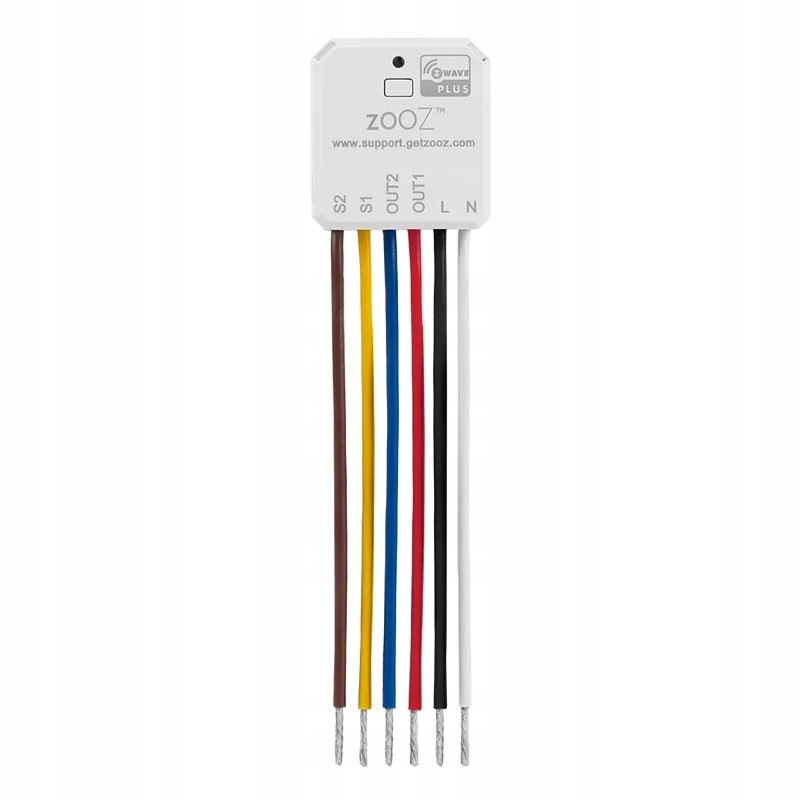
Zooz Double Relay - Relé doble Z-Wave micromódulo
ZEN52EU
New
Micromodule relay 2x 5A on/off to control 2 different loads from a Z-Wave home automation controller.
In Stock
- Remove this product from my favorite's list.
- Add this product to my list of favorites.

Technical characteristics
| Home Automation Technology | Z-Wave Serie 800 |
More info
Zooz ZEN52 230V dual relay
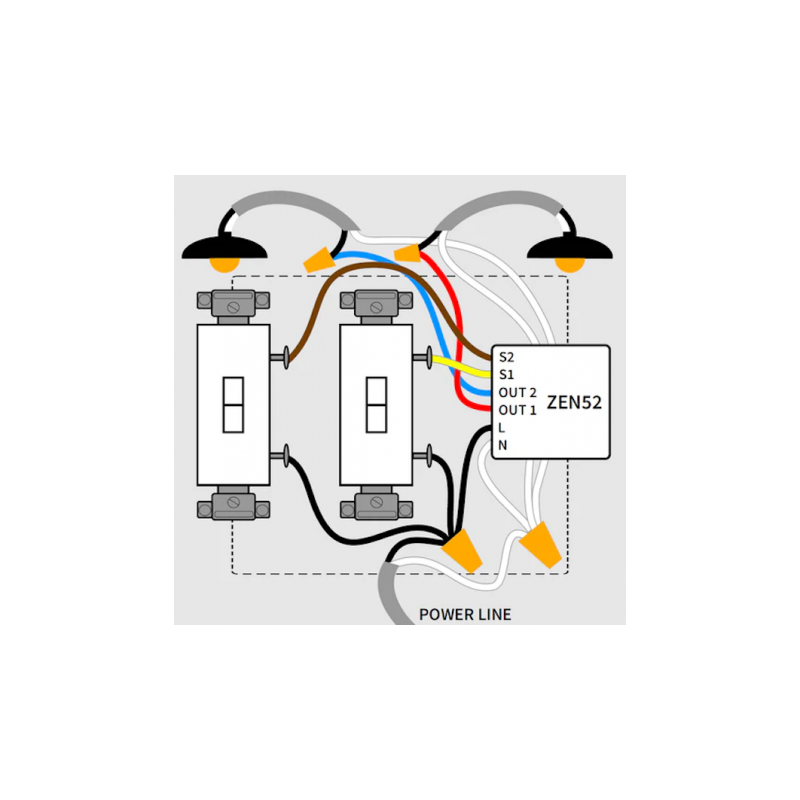
This is a 230V device that allows you to add Z-Wave to two different loads. The simplest example is automating two light switches in a dual-gang box with a single relay. But there are other ways to use your dual relay.
It's small enough to fit behind wall switches, even in messy, shallow boxes. It maintains the color and style of the switch you're used to, whether it's a stacked switch or two switches side by side. Suitable for single-pole and three-way installations.
The relay is useful if you need to separate the motor control and the fan light, which are currently controlled by a single switch. Simply place the relay in the dome and wire the loads accordingly.
MAIN FEATURES:
Save space and money with this smart dual relay
Control 2 switches with 1 Z-Wave device: Connect the dual relay to 2 loads of 100-240V~, 50/60Hz for independent smart control from CENTRALIZ-Wave or a wall switch
Perfect for automating double switches or adding Z-Wave to a fan/light installation for individual motor and bulb control
It connects behind the wall switches or at the light fixture (if there is no neutral wire in the switch box)
Z-Wave 700 Series Chip: The latest technology for faster communication and better range
SmartStart with S2 security authenticated with encrypted signal
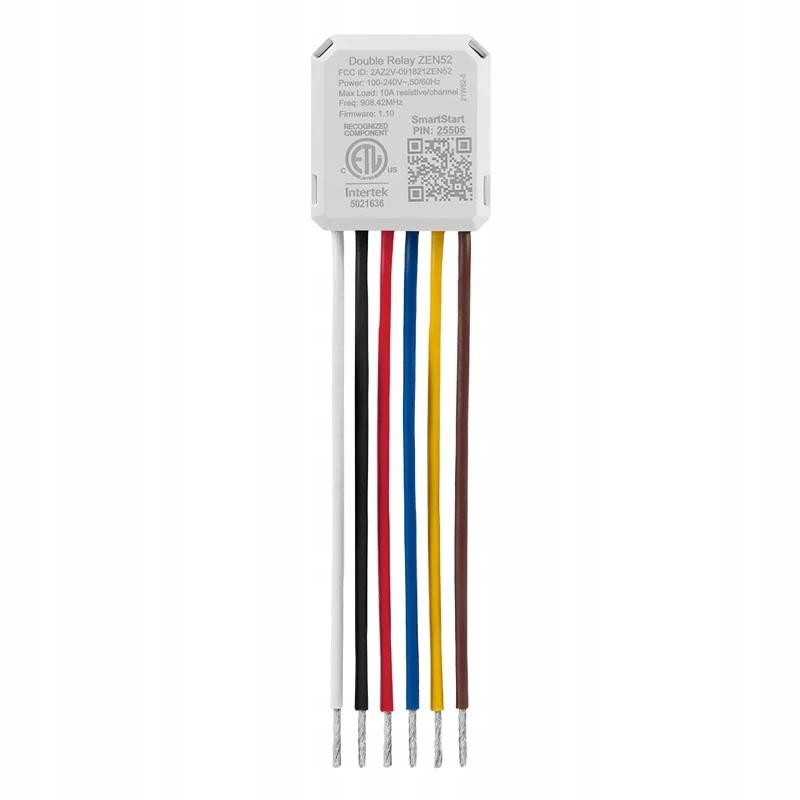
Connection cables for easy installation. Ideal for the WAGO system.
Smart bulb mode: If desired, disable manual switching to control your smart bulbs only via Z-Wave, without disconnecting them from the power supply.
Scene control: 7 multi-touch triggers available for each relay (available on multi-trigger compatible hubs*).
Multi-color LED indicator to facilitate the setup process
Compatible with high-quality LED and incandescent bulbs (do not connect to fluorescent bulbs, switched outlets, or fans over 1/4 HP; NOTE: FEIT bulbs are not recommended)
It functions as a Z-Wave repeater
SPECS:
Z-Wave frequency: 868.42 MHz (Europe)
Long Range is not available in the European version.
Power supply 120-240 VAC 50/60 Hz
Maximum load: Tungsten bulbs - 960W, LED bulbs - 150W, 10A, fan motors - 370W
Z-Wave range: up to 90 meters in open space
Dimensions: 3.81cm x 3.56cm x 1.78cm
Operating temperature: 0°C - 40°C
Installation: For indoor use only
Extended Z-Wave info
2. Finalize inclusion at the relay. TAP THE Z-WAVE BUTTON 3 TIMES QUICKLY
The LED indicator will blink green to signal communication and turn green for 2 seconds if inclusion is successful or turn red for 2 seconds if the pairing attempt fails.
The LED indicator will flash during the process and turn red for 3 seconds to confirm a successful reset.
Reviews
30 other products in the same category:
-
Fibaro...
-
FIBARO...
-
Bypass for...
-
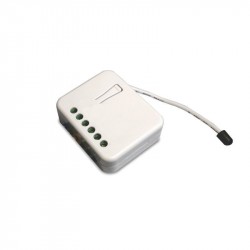
Philio...
-
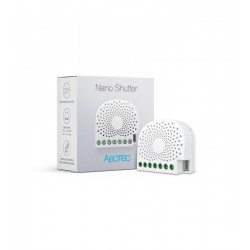
Aeotec Nano...
-
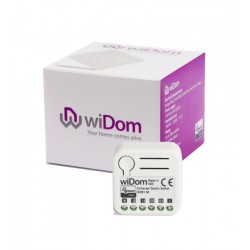
WiDom Smart...
-
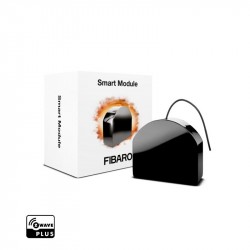
Fibaro...
-
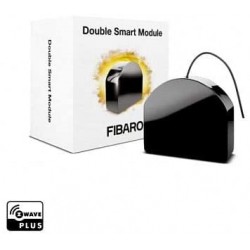
Micromodule...
-
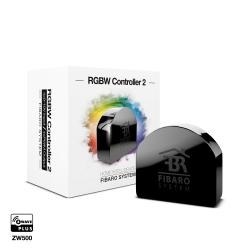
FIBARO RGBW...
-
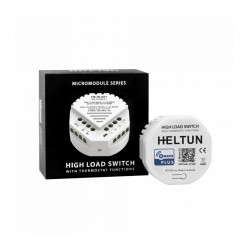
HELTUN -...
-
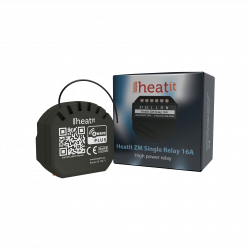
Heatit ZM...
-
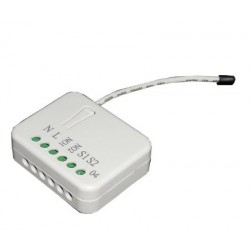
Philio...
-

ZOOZ...
-
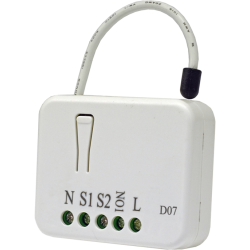
Philio...
-
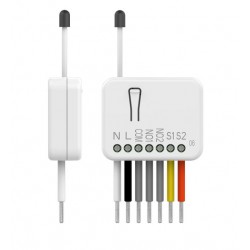
Philio...
-
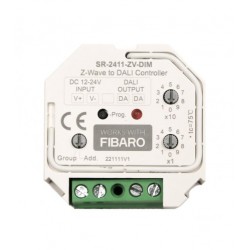
Z-Wave to...
-
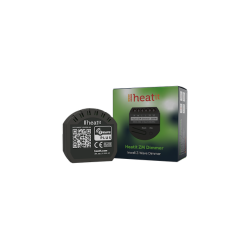
Heatit ZM...
-
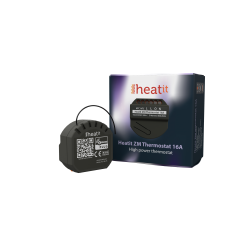
Heatit ZM...
-

Shelly...
-
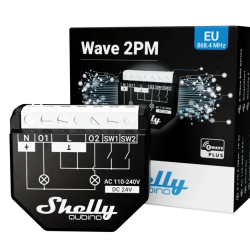
Shelly...
-

Shelly...
-
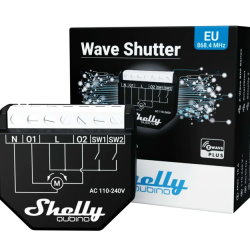
Shelly...
-

FIBARO...
-
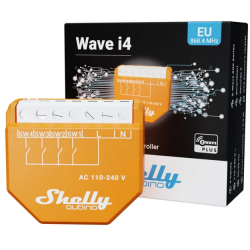
Shelly...
-
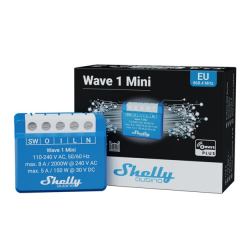
Shelly...
-
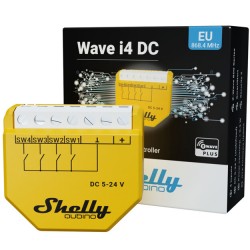
Shelly...
-
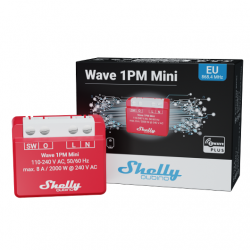
Shelly...
-

Shelly...
-

Pack 3 x...
-
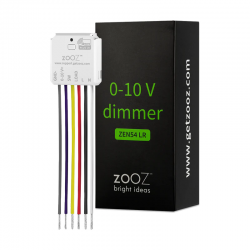
ZOOZ -...