Sem produtos
Preços com IVA
Produto adicionado com sucesso ao seu carrinho de compras
Existem 0 produtos no seu carrinho de compras. Existe um produto no seu carrinho de compras.



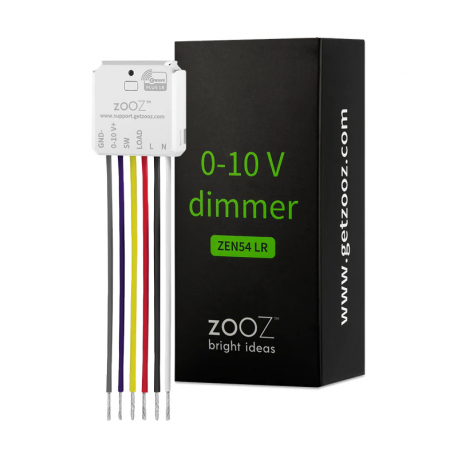

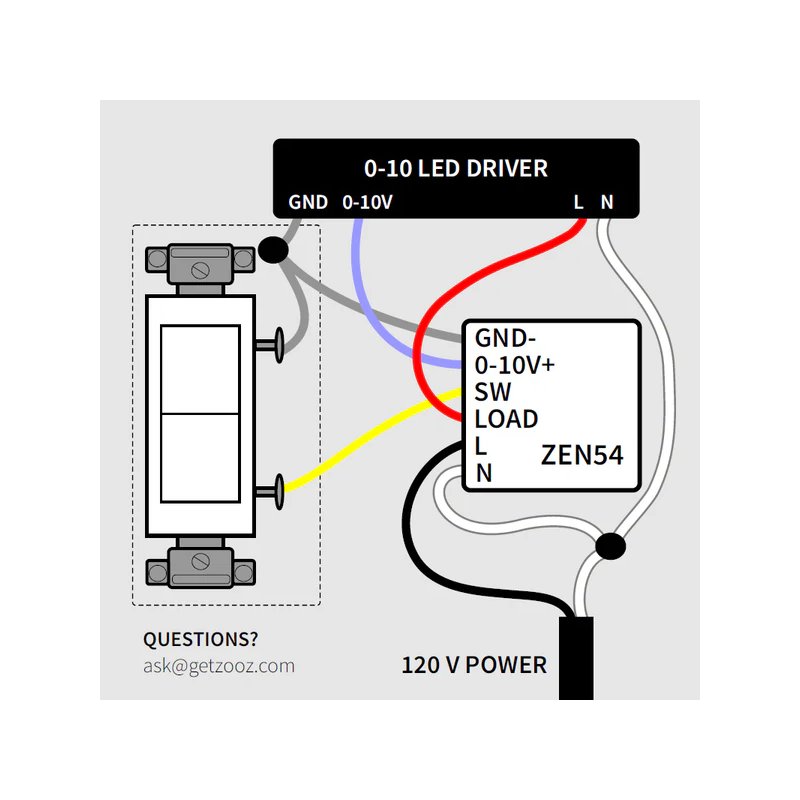
ZOOZ - ZEN54 Micromódulo Dimmer 0-10V Z-Wave+700
ZEN54
Novo
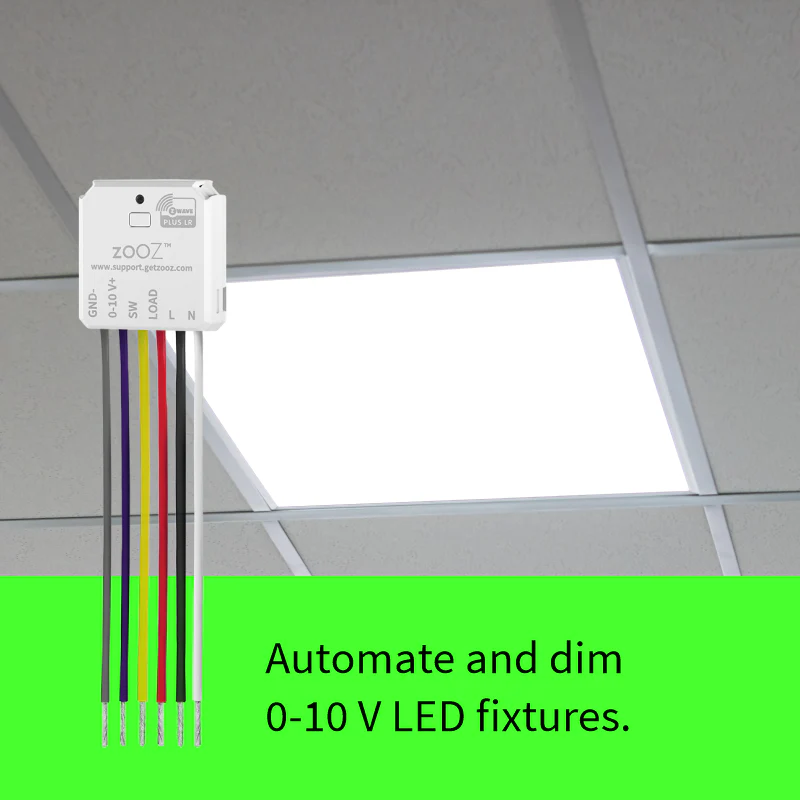
Controle total da intensidade dos seus dimmers LED 0-10V, incluindo painéis e lâmpadas.
Em estoque
- Retirar este produto da minha lista de favoritos.
- Adicionar este produto à minha lista de favoritos.

Características tecnicas
| Tecnologia Domótica | Z-Wave Serie 700 |
| Recurso | Dimmer |
Mais Informação
Ajuste o brilho para o nível ideal com o dimmer Zooz 0-10V.
Assuma o controle total de suas luminárias LED de 0-10V com este módulo dimmer compacto. Programe suas luzes para diminuírem a intensidade automaticamente todas as noites. Crie regras personalizadas com base na presença de pessoas ou na luz do dia.
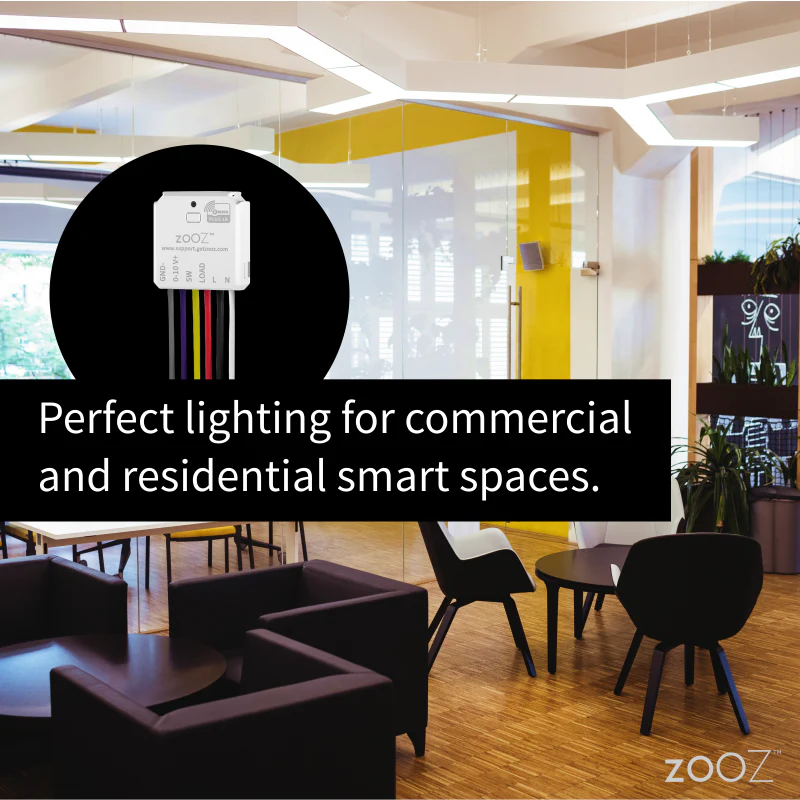
A iluminação automatizada garante que o nível de luz em seu restaurante, armazém ou escritório esteja sempre ideal. Você não precisa mais se lembrar de mexer no interruptor da parede. As luzes diminuem a intensidade automaticamente quando necessário e se apagam à noite. Basta programar o dimmer 0-10V em seu hub Z-Wave e desfrutar da liberdade que a iluminação inteligente oferece em qualquer ambiente.
Lembre-se de que você precisará de um controlador Z-Wave compatível para usar este dispositivo.
Instalação
O dimmer 0-10V é instalado entre o driver de LED 0-10V e um interruptor de parede. Ele requer uma linha de alimentação de 120V e um fio neutro, portanto, certifique-se de que sua fiação atenda aos requisitos para uma instalação bem-sucedida.
O dimmer permite alterar o nível de brilho do controlador via Z-Wave, bem como através do interruptor de parede, caso seja conectado a um interruptor de botão momentâneo (NÃO o conecte a nenhum dimmer de parede existente).
Você também pode cortar completamente a energia do driver de LED se for um driver de 1-10V que não desliga completamente a luz ao diminuir a intensidade. Isso é possível graças a um relé integrado a este módulo inteligente. As configurações avançadas também permitem definir os níveis mínimo e máximo de brilho, bem como a velocidade de transição.
Características do atenuador Zooz ZEN54 0-10V:
- Controle de dimerização Z-Wave 0-10V para acessórios de LED
- Ideal para drivers de LED de 0-10V em painéis de LED.
- Escurecimento suave com atualizações de status instantâneas
- Ele é instalado atrás do seu interruptor de parede existente (liga/desliga ou momentâneo).
- Chip Z-Wave série 700 para maior alcance e controle mais rápido.
- Configurações avançadas, incluindo brilho mínimo e máximo.
- Repetidor de sinal Z-Wave integrado para comunicação aprimorada.
Especificações técnicas do dimmer Zooz ZEN54 0-10V:
- Instalação: Somente para uso interno
- Alimentação: 120-240 VCA, 50/60 Hz
- Carga máxima: 4 A, 960 W a 240 V
- Alcance do Z-Wave: Até 90 metros em linha reta.
- Dimensões: 3,81 cm de altura, 3,55 cm de largura, 1,77 cm de profundidade
- Temperatura de operação: 0-40°C
Informação alargada da Z-Wave (Inglês)
2. Finalize inclusion at the dimmer. Tap the Z-Wave™ button 3 times quickly if using traditional Z-Wave™ inclusion.
The LED indicator will blink green to signal communication and turn green for 2 seconds if inclusion is successful or turn red for 2 seconds if the pairing attempt fails.
2. Put the Z-Wave hub into exclusion mode (not sure how to do that? ask@getzooz.com)
3. Click the Z-Wave button on the relay 3 times quickly (the LED indicator will start blinking green)
4. Your hub will confirm exclusion, the LED indicator on the device will turn green for 2 seconds, and the ZEN54 will disappear from your controller''s device list.
The LED indicator will flash red during the process and turn solid red for 3 seconds to confirm a successful reset.
Avaliações
30 outros produtos na mesma categoria:
-
Fibaro...
-
Bypass...
-
Bypass para...
-
Philio...
-
Aeotec Nano...
-
WiDom Smart...
-
Fibaro...
-
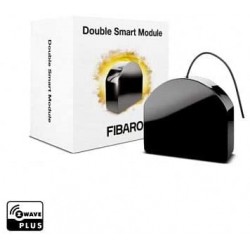
Micromódulo...
-
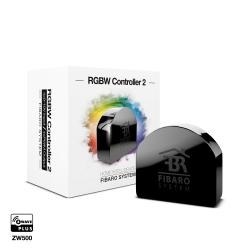
Controlador...
-
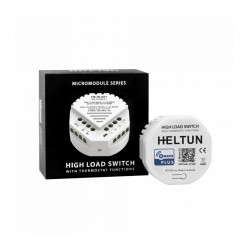
HELTUN -...
-
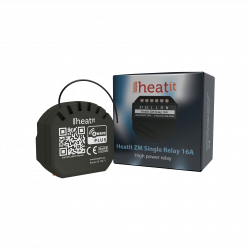
Heatit ZM...
-
Philio...
-

ZOOZ...
-
Philio...
-
Philio...
-
Controlador...
-
Heatit ZM...
-
Termostato...
-
Shelly...
-
Shelly...
-
Shelly...
-
Shelly...
-
FIBARO...
-
Shelly...
-
Shelly...
-
Shelly...
-
Shelly...
-
Shelly...
-

Pacote 3 x...
-

ZOOZ -...